
Step 1: Go to the Smallpdf PDF Summarizer website.
(Or you can use any other alternative PDF Summarizer tools)
Step 2: Click on “Choose your file” and upload the PDF document you want to summarize.
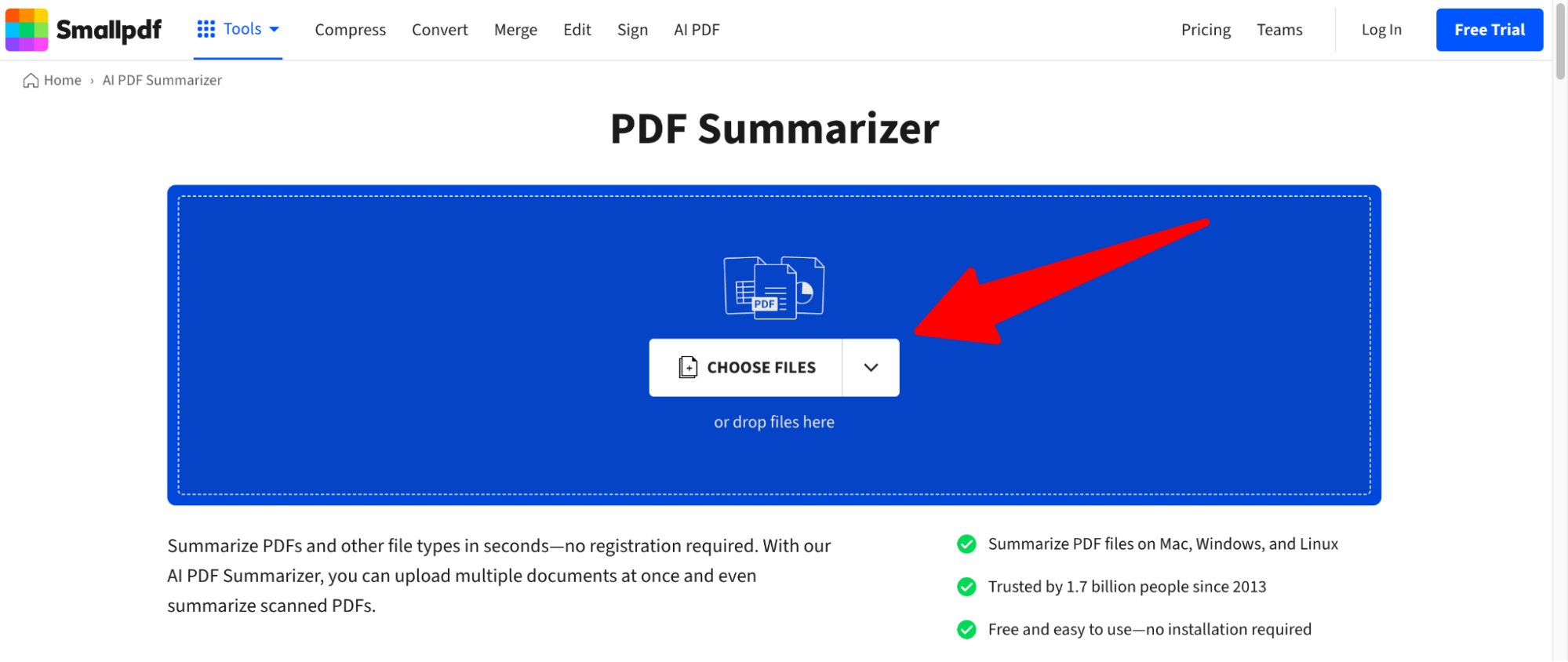
Step 3: Wait for the AI to process your document and generate the summary.
Step 4: Once the summary is ready, click on “Download” to save the summarized text to your device.
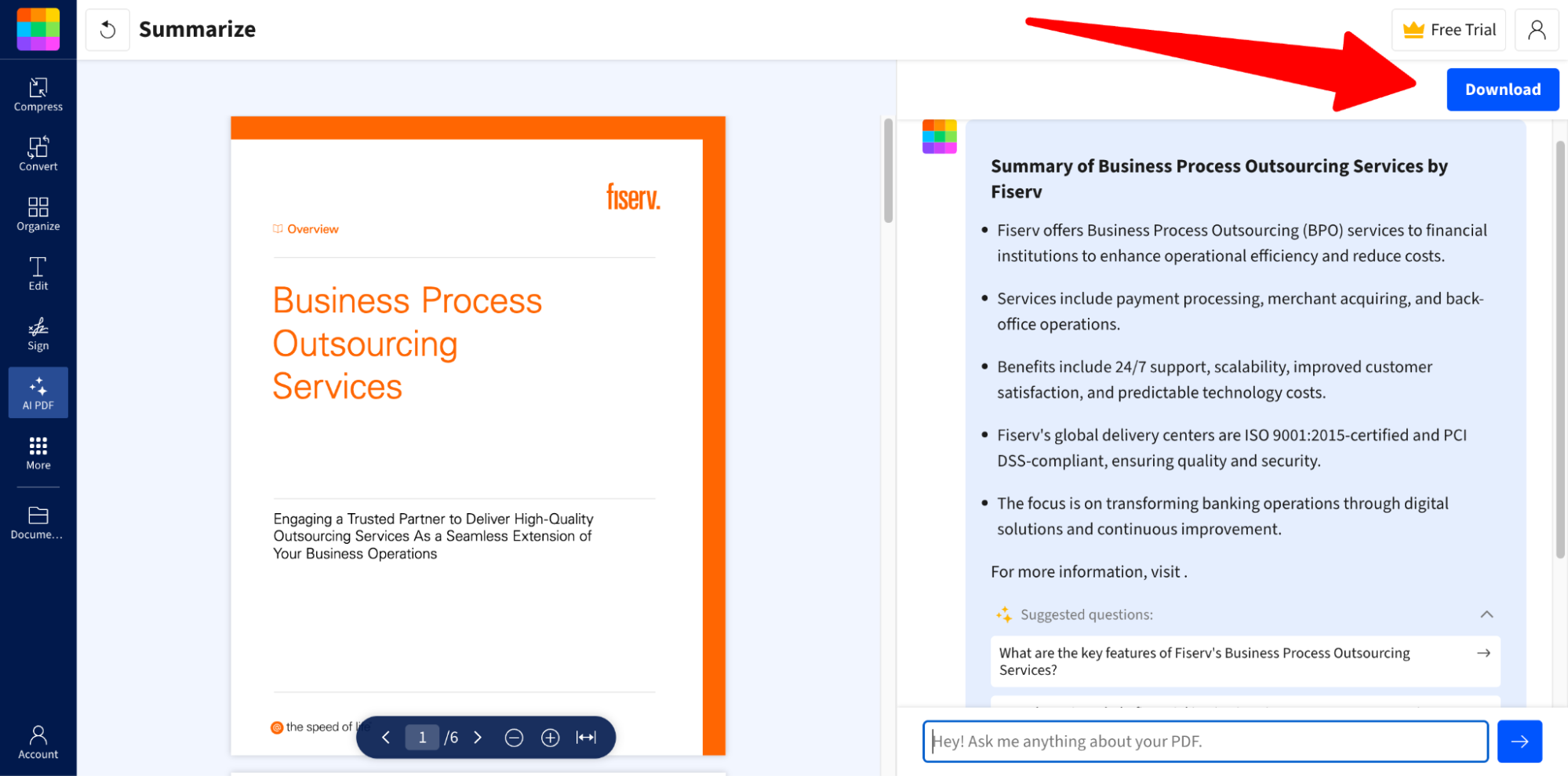
Step 5: You’re done! Review the summary and use it as needed.