


Want to simplify your daily life using the power of AI?
From organizing your schedule and editing photos to managing finances and boosting productivity, artificial intelligence is quietly transforming how we live, work, and play.
In this blog, today, I’m going to share AI apps that are either a part of my daily life or are so cool that I had to explore them. Even if you don’t use them all, you’ll walk away with AI tools to boost your productivity, creativity, and learning.
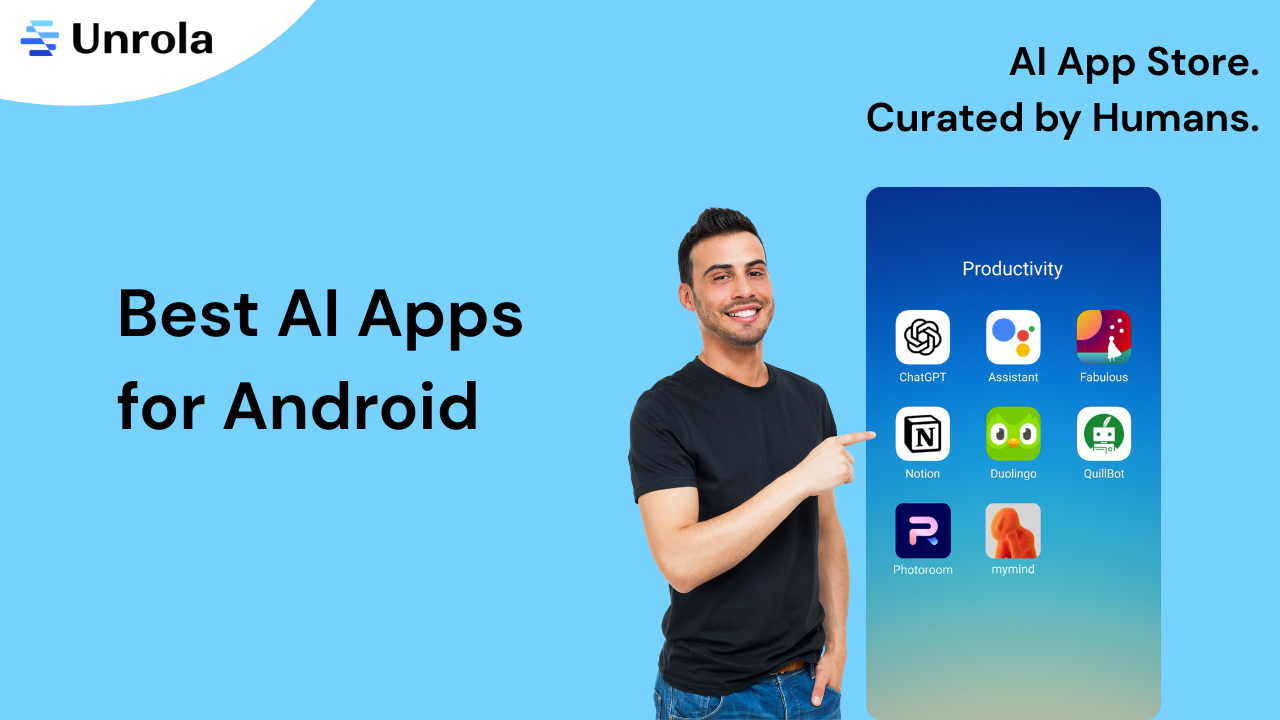
Here’s my personal AI toolkit:
- ChatGPT
- Google Assistant
- Fabulous
- Notion
- Duolingo
- QuillBot AI
- MyMind
- Photoroom AI
Yes, I actually use these every day—and they truly help.
So let’s dive in to see the apps that help me live a smarter, calmer, and more productive life.
My top AI apps for Android (with practical use-cases)
Before we jump in let me share something important 👇
Why should you trust this list?
Because it’s real.
These aren’t random recommendations pulled from the Play Store. These are AI apps I personally rely on to write, learn, organize, reflect, and yes… even talk to myself (more on that later 😉).
ChatGPT – My go-to AI companion for ideas, writing and everything in between
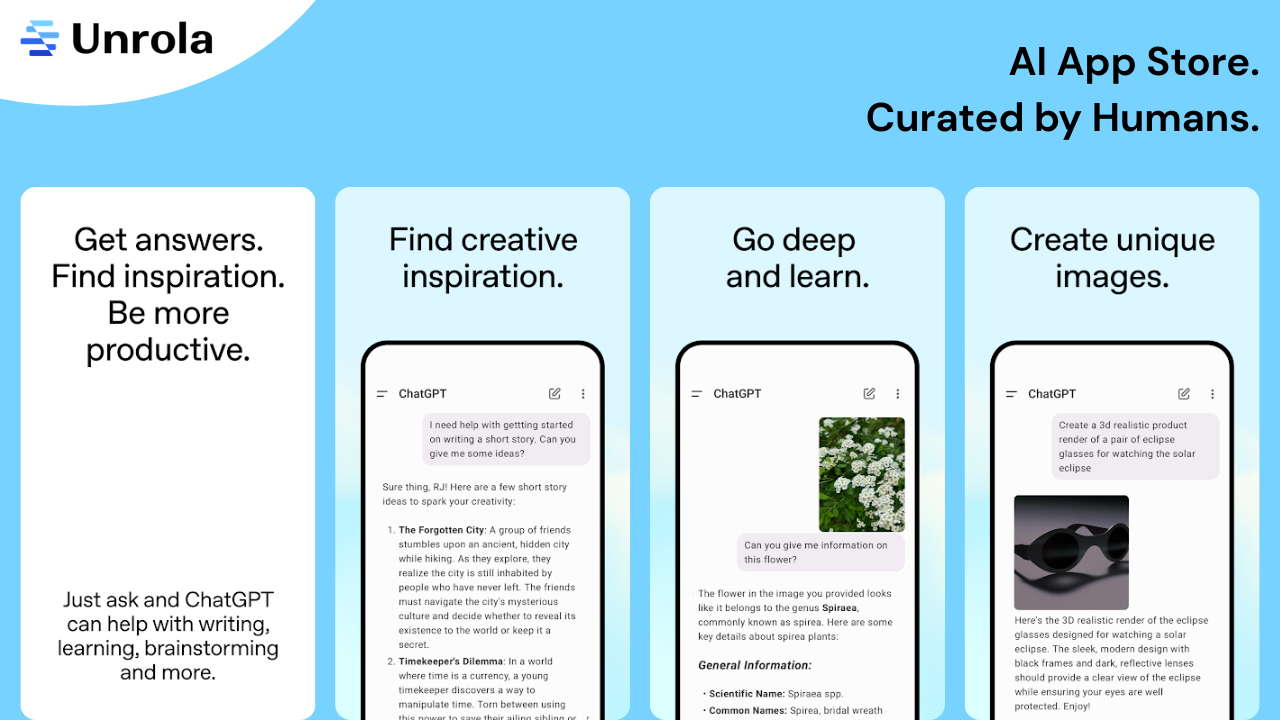
Let’s start with the very first and honestly, one of my all-time favorite generative AI tools – ChatGPT.
I’ve lost count of the number of times ChatGPT has come to my rescue. Whether it’s to:
- generate creative captions for social media posts,
- fix awkward phrasing in my emails, and text,
- plan a blog outline,
- fixing technical issue where my brain give up, or
- simply brainstorm ideas when I’m stuck…
…it’s always there, like a super-smart assistant in my pocket 24/7.
I use it for both work and life. From writing emails and understanding a complex phrase to asking random questions that pop into my head late at night. I even once asked, “What should I gift my mother on her birthday?” and got thoughtful, personalized suggestions!
The best part that I like most about ChatGPT?
It understands context and replies in a tone that feels natural, not robotic. And lately, I want to mention that now-a-days it is giving more personalized answers. It gives me a feeling that I’m talking to my friend.
Quilbot AI – The AI writing tool that fix my grammar issues
Read this 👇
I did not went office because of not feeling good.
I didn’t go to the office because I wasn’t feeling well.
Do you notice something above?
Correct!
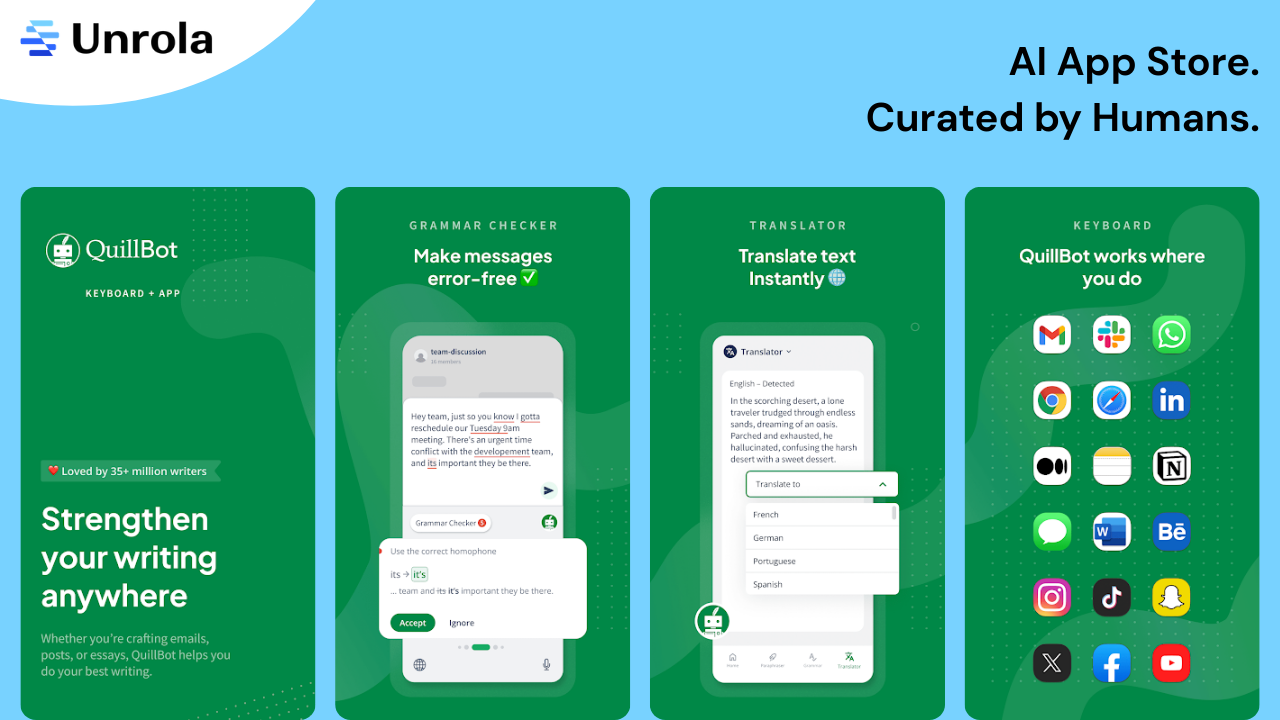
We all have those moments when our sentences sound more like Google Translate experiments than actual English. 😅 And that’s when I turn to my behind-the-scenes writing buddy: QuillBot AI.
I use it all the time to fix grammar errors, clean up awkward phrasing, and reword things when I’ve been staring at the same paragraph for way too long. Whether it’s a blog draft, a caption, or something client-facing — I just paste it into QuillBot, hit rephrase, and poof!
One time, I used it to polish a formal email I had no clue how to word, and it totally saved me. The synonym suggestions are great too. They keep my content fresh and help me avoid sounding repetitive.
It honestly saved me from more than a few awkward sentences. 😅
Google Assistant – My voice-activated everyday helper
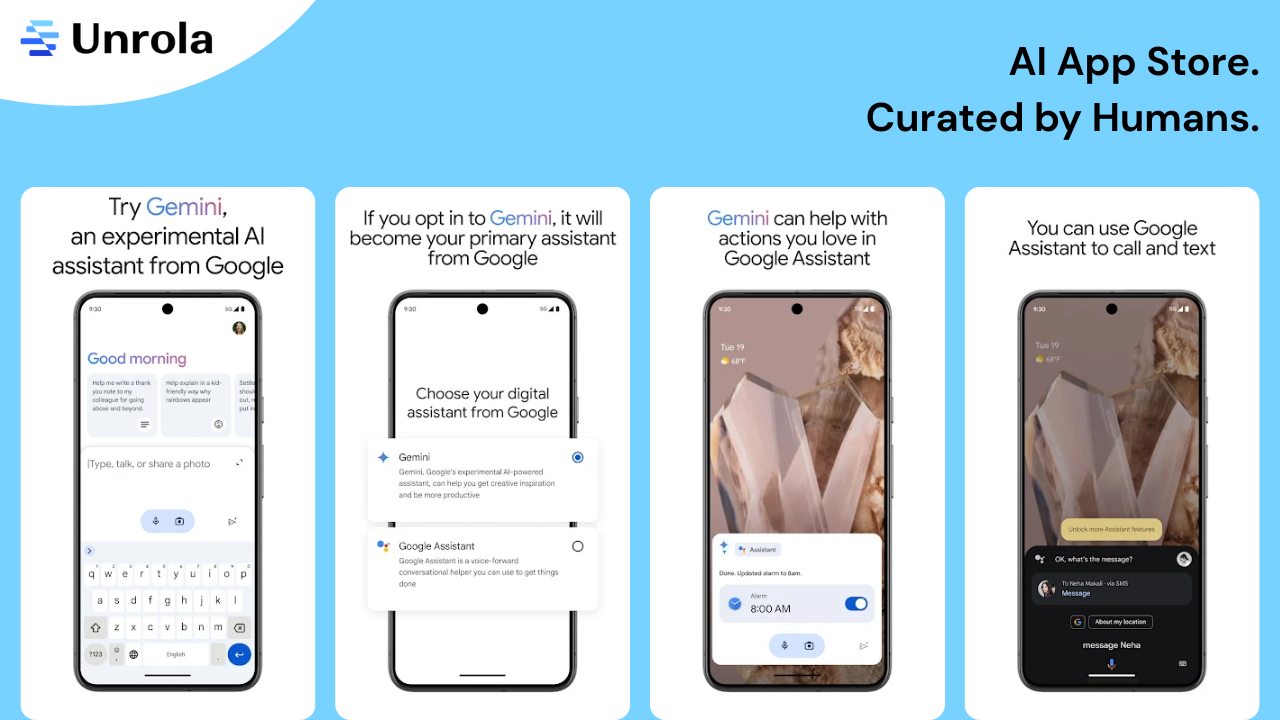
Google Assistant is one of my hands-free and best AI chatbot tools.
I use it to set reminders, check the weather before heading out, control smart devices, play music, and even send texts when I’m too lazy to type. It’s become a natural part of my day and like a silent assistant I can rely on.
What I really love is how smoothly it connects with all my Google stuff. It knows my schedule, helps me take notes, and calls people without me even touching my phone.
And here’s the fun part: I taught my mom and dad how to use AI… and now they’ve totally mastered it! 😂 All day long, I hear things like:
🗣️ “Hey Google, tell me a joke in Hindi,”
🗣️ “Okay Google, how to make white sauce pasta,”
…and trust me, that’s just the beginning.
They’re in full-on Google Assistant mode now:
💸 “Hey Google, what’s the price of gold today?”
🛐 “Okay Google, sing a bhajan.”
🎶 “Hey Google, play some old Bollywood songs.”
It’s honestly the cutest thing, all thanks to AI for making our home not just smarter, but a whole lot more fun too!
Fabulous – My personal habit coach and wellness partner
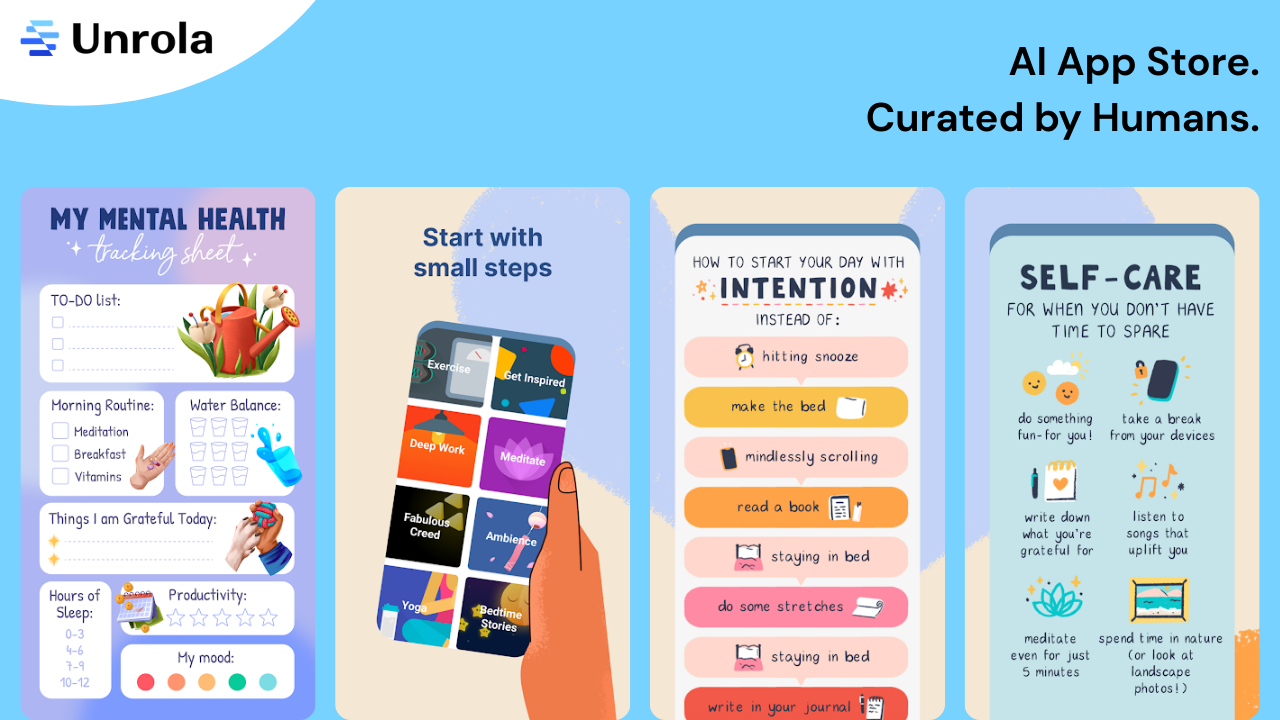
Recommended to me by one of my younger cousins, Fabulous quickly became the app I turn to whenever I want to take better care of myself – both physically and mentally. It’s more than just a habit tracker; and most like a gentle coach that guides me toward better and happier routines.
I rely on it to keep up with my morning rituals, practice mindfulness, drink enough water throughout the day, and even cut down on screen time. What I love most are the science-backed journeys and daily coaching prompts that make building good habits feel doable and, honestly, kind of fun.
It’s one of those apps that nudges me in the right direction without being overwhelming.
Notion – My digital brain and storage
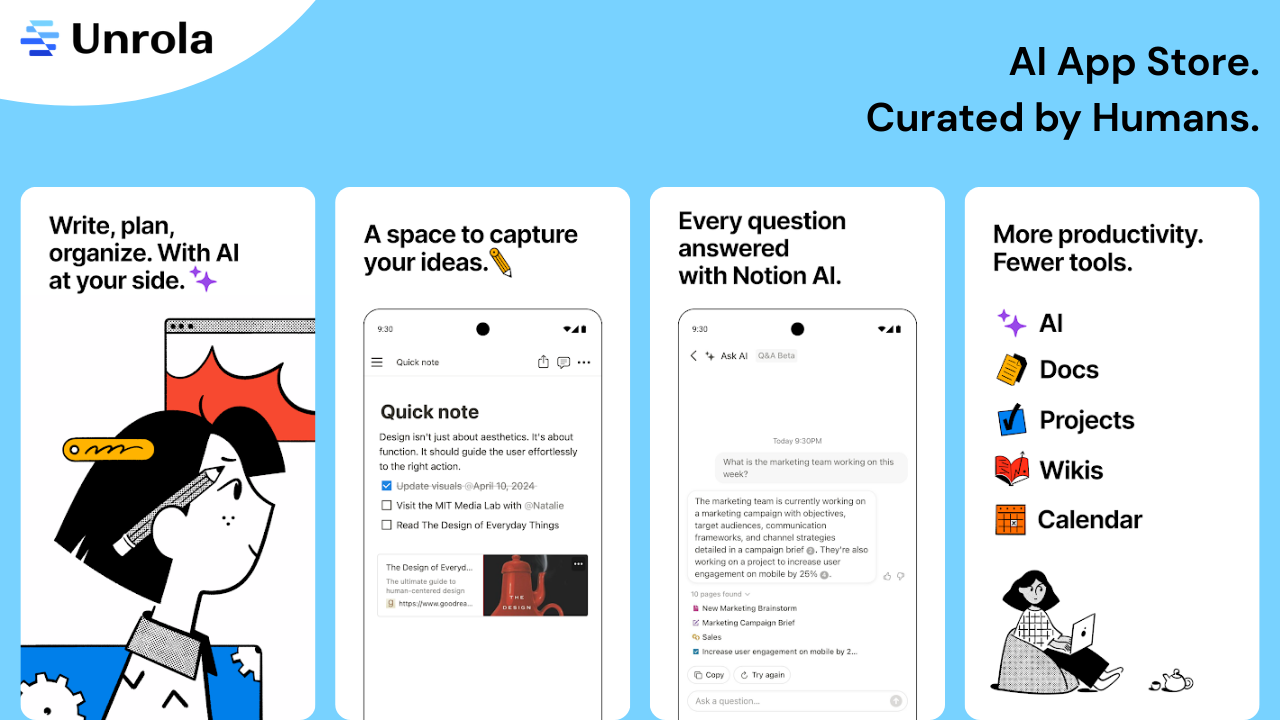
I was already a fan of Notion when it comes to organizing my work, but Notion AI takes it to another level. I use it to draft content, summarize notes, plan projects, and even rephrase text when I’m stuck.
It’s like combining a note-taking app with a smart AI writing assistant. For example, when I’m brainstorming blog ideas, I jot down rough thoughts, and Notion AI helps me turn them into clear, polished paragraphs — saving me tons of time. Whether I’m capturing random ideas or structuring long-term plans, Notion AI helps me do it faster and better.
And the best part? Everything stays in one place — clean, minimal, and perfectly organized.
Duolingo – Fun, gamified language learning that actually works
Ever downloaded a language app and abandoned it after a week? 😅
Yeah… same here. I’ve been there, done that.
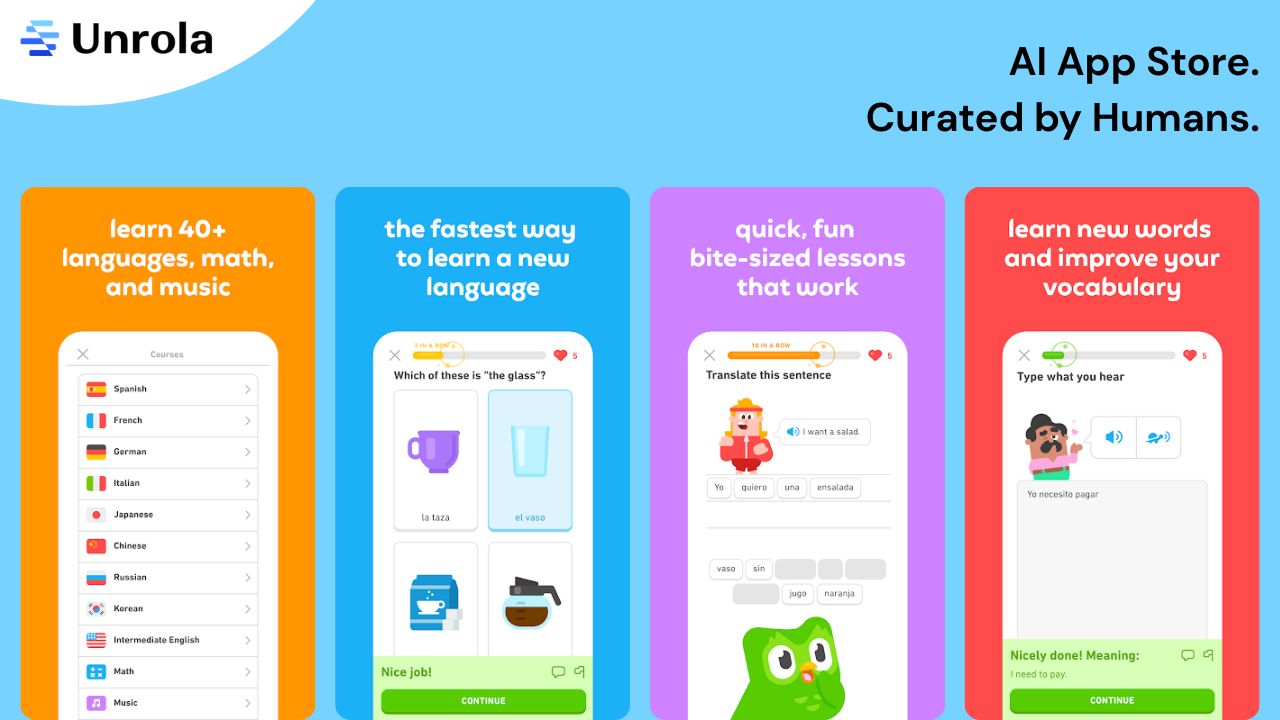
But Duolingo completely changed the game for me. It makes learning a new language feel more like playing Candy Crush than sitting in a classroom. I’ve been using it to brush up on English and pick up a bit of French (because why not ✨bonjour vibes✨), and the AI behind it personalizes everything based on how I’m doing.
It gently calls me out on my weak spots, gives me speaking practice, and somehow keeps me hooked with streaks, cute characters, and XP points. Even my 5–10 minute sessions feel like wins. And honestly, it’s one of the best AI language learning apps and has become my go-to app when I need a quick break that’s actually productive.
I once challenged my cousin to a Duolingo streak competition… and now we both randomly blurt out phrases in French just to show off. 😄
Photoroom AI – My secret image editing tool for social and work
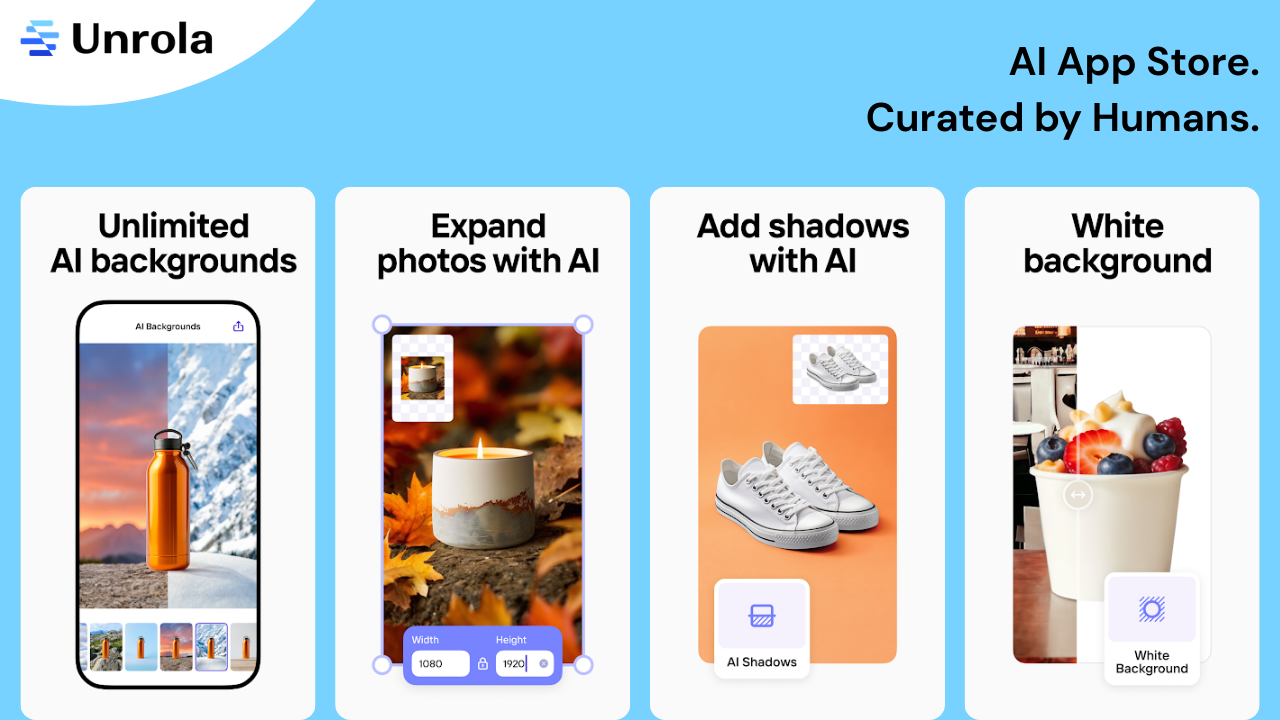
Let me be honest — I’m not a Photoshop pro. I don’t have hours to sit and fine-tune images pixel by pixel. But with Photoroom AI, I don’t need to.
Whether it’s a social media post, a YouTube thumbnail, or a quick product mockup for a client, this app has saved me so much time. I literally tap a button and boom💥, background gone or changed, lighting fixed, image ready to post.

I mostly use it to clean up messy backgrounds, make my visuals pop, and sometimes even create promo graphics on the go. What makes it even better? The built-in templates. I’ve whipped up banners, profile photos, and highlight covers in minutes — all without touching a design tool.
MyMind – A smart, visual notebook for all my inspirations
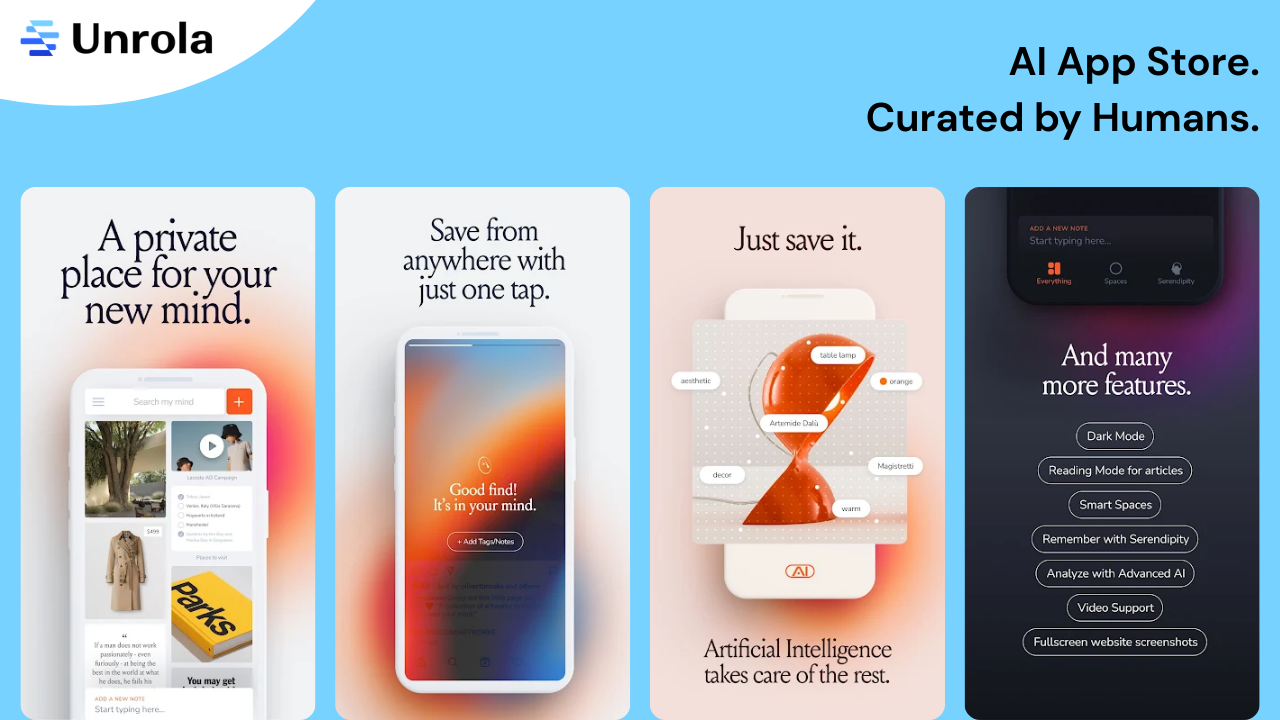
You know those random but super valuable things you find online — a powerful quote, a stunning image, a cool product idea, or that one article you swear you’ll read later? Yeah, I used to lose track of all of that… until I found MyMind.
Now, whenever I come across something inspiring or useful, I just save it to MyMind. No folders. No tags. No stress. The AI quietly organizes everything for me, it just knows whether it’s a quote, a recipe, or a design idea.
What I love most is the clean, clutter-free interface. It feels less like a traditional app and more like a quiet, intelligent space that remembers things for me, kind of like an external brain. And trust me, it’s come to the rescue so many times when I’m trying to recall something I randomly saved weeks ago.
Why these AI apps matter to me
These 8 AI apps aren’t just tools on my phone — they’ve literally woven themselves into the fabric of my everyday life. Some keep me organized, some keep me sane, and some just make things a whole lot more fun. Whether it’s getting work done faster, building better habits, learning something new, or simply making photo edits on the fly. Each app adds its own little magic to my day.
And the best part? They don’t scream for attention. They quietly do their job in the background, saving me time, reducing overwhelm, and making my Android feel like a true personal assistant.
If you’re looking to make your phone actually work for you, I’d say — start with any of these. You’ll be surprised how quickly they become part of your routine.
And hey — if you found this blog helpful, feel free to share it with a friend who’d love these tools too!
✨ For more cool AI tools and blogs, don’t forget to visit Unrola!
