


Have you ever opened a massive Excel file and just… sigh? 😮💨
Not because you hate your job, but because you know what’s coming — formulas breaking, copy-paste madness, last-minute report edits, and that one cell that just won’t cooperate.
I’ve been there. You’ve been there. I believe we’ve all lived in Excel more than we’d like to admit.
And let me tell you, every time I work on Excel, I silently pray that nothing breaks when I press Enter.
But guess what? In 2025, things are changing.
Thanks to some seriously smart AI apps and tools, Excel is no longer just a number-crunching machine — it’s like your own helper for data. It’s quick, easy to use, and actually makes your work simpler without messing things up.
So, whether you’re drowning in monthly reports, fixing broken spreadsheets, forgetting formulas, not able to find formulas, or just tired of typing the same formulas over and over — this blog is for you.
Because I’m going to show you 9 Excel AI tools that make Excel so much smarter, smoother, and surprisingly stress-free.
Let’s start! (And no, you don’t need to be a tech wizard for this.)
Why you should even care about AI in Excel
If you’re reading this, I believe you know that feeling when you’re stuck fixing Excel formulas for hours or manually cleaning up messy data?
It’s frustrating, right?
But now the good news is AI can do all of that for you. These Excel AI tools take the tedious work off your plate, letting you focus on the real tasks that matter.
If you’ve ever thought, “Excel is fine, I don’t need anything fancy,” let me show you something about these so-called fancy stuff that actually make life way easier. Totally worth a shot 👇
👨💻 They write the formulas for you — so you don’t have to search “how to use XLOOKUP” again.
🧹 They fix messy data fast — like removing typos, empty spaces, or repeated entries.
💡 They help you understand your data — showing trends and odd points in a simple way.
⏱️ They make reports for you — no need to repeat the same work every Monday.
📊 They create dashboards in one click — and you don’t even have to use pivot tables.
Basically, they make your Excel smart. And you? You save time, avoid headaches, and feel a bit cooler every time you open a spreadsheet.
9 best Excel AI tools to handle your sheet chaos!
Let’s quickly move to the listicles below 👇
GPTExcel
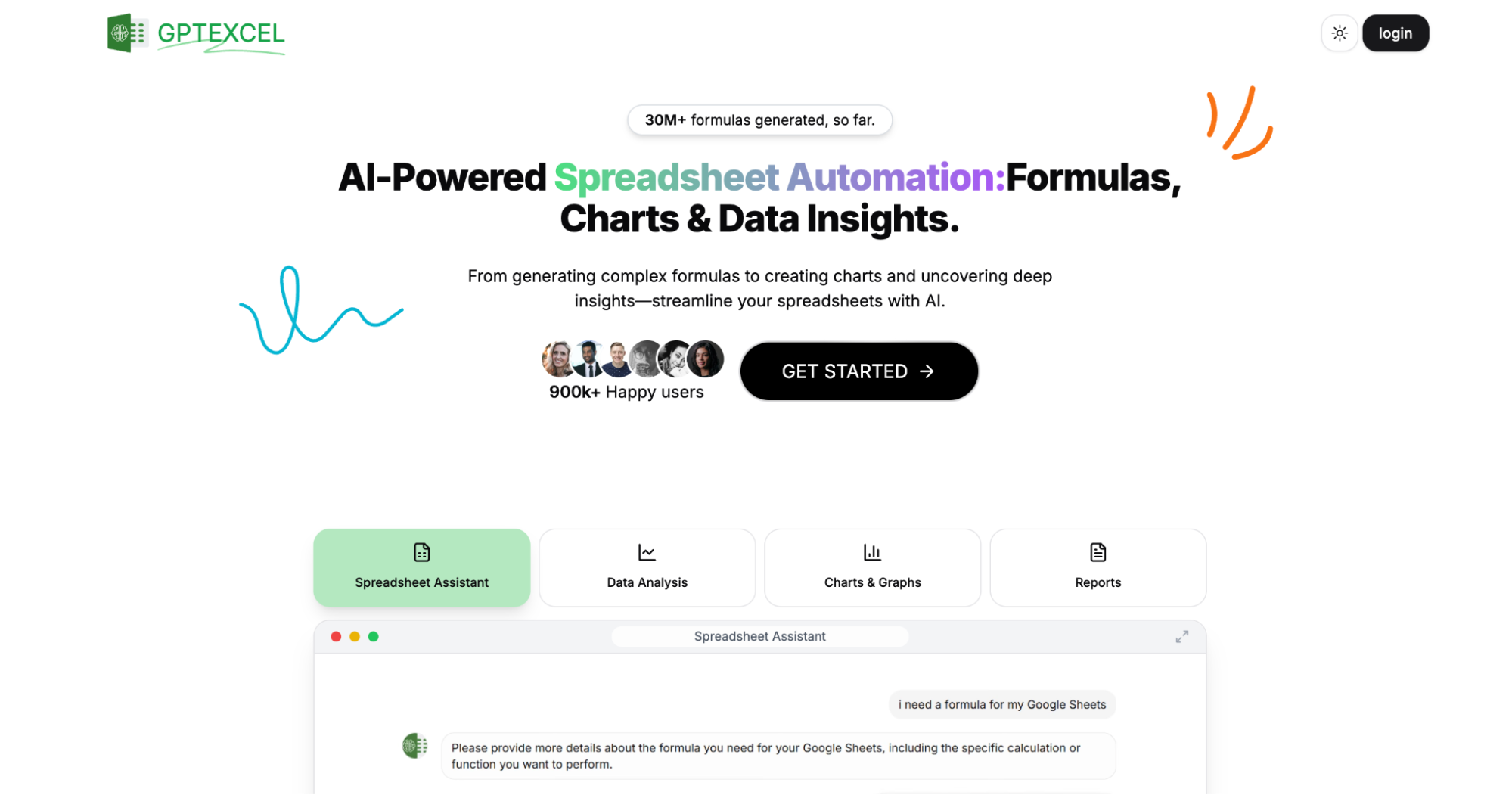
GPTExcel is a powerful AI-powered spreadsheet assistant designed to automate and simplify your Excel and Google Sheets workflows. With over 30 million formulas generated and trusted by professionals at top companies like Google and Spotify, GPTExcel offers a complete suite.
Whether you’re a financial analyst, engineer, data professional, or anyone who works with data, GPTExcel is one of the best AI tools for Excel and a great addition to your stack of AI tools for productivity that help you gain deep data insights.
Key features of GPTExcel
- Instantly create and explain Excel, Google Sheets, and Airtable formulas using formula generator AI.
- Ask questions, get insights, and understand your data in a conversational way with its AI chat assistant.
- Upload Excel/CSV files and get trends, summaries, and actionable insights.
- You can also generate complex SQL queries and Regex patterns.
- Get ready-to-use templates for faster formatting and reporting.
- Automatically generate visual charts to better understand your data.
- Create VBA, Google Apps Script, and Airtable automation scripts with its script generator, all within a click.
Pricing of GPTExcel
- Free plan – USD 0 which includes up to 4 AI chat requests/day, formula and script assistants, SQL and regex help, template generator, and basic support.
- Pro plan – USD 62.91 in which you get 1000 AI requests/day (30,000/month), all features from the free plan, plus priority customer support.
AI ExcelBot
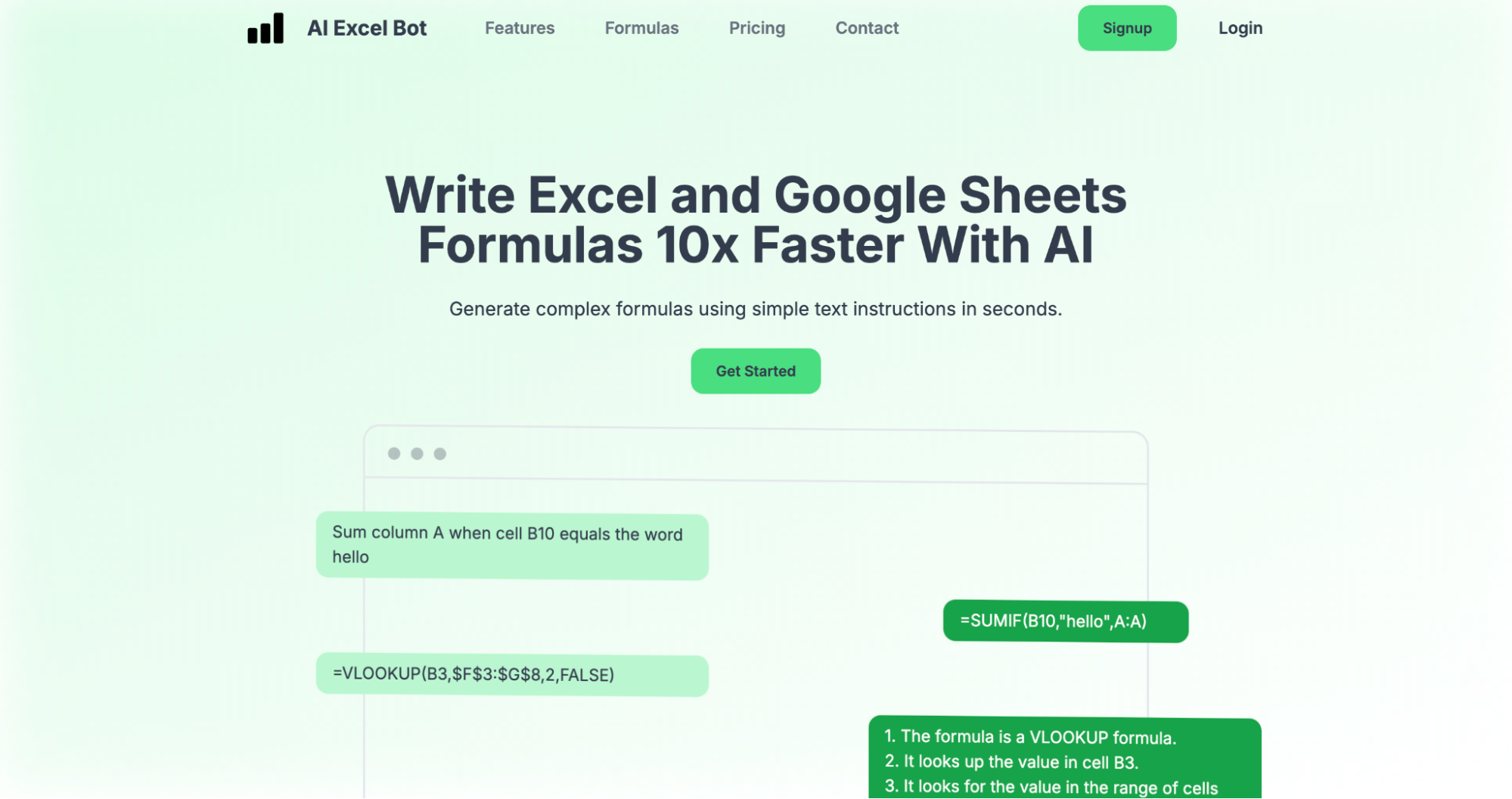
Tired of wrestling with complex Excel or Google Sheets formulas?
Meet AI Excel Bot that can help you create complex Excel formulas in seconds. Just describe what you want in plain English, and this AI-powered Excel AI tool will instantly generate formulas, explain them, or even write VBA code (a human-readable and editable programming code) for you. Whether you’re a beginner or a pro, AI Excel Bot helps you work 10x faster with zero guesswork.
Just like how AI art generators can quickly create stunning visuals from simple prompts, AI Excel Bot makes data management easier by converting your requests into accurate, actionable results.
Key features of AI Excel Bot
- Create Excel and Google Sheets formulas from plain-text instructions using formula generators within seconds.
- No need to search for formula meaning as it provides clear explanations of tricky formulas, line by line.
- WIth its Chrome extension, you can use AI Excel Bot directly within Excel and Google Sheets for seamless workflow.
- Generate and understand VBA scripts in moments without any coding experience required.
- You can also integrate AI Excel Bot into your native Excel application for even more convenience.
Pricing of AI Excel Bot
- Free plan – Starts at USD 0/month in which you get 5 formulas, code, or task explanations per month, Chrome extension access, and email support.
- Pro plan – USD 5.99/month for unlimited formulas, VBA code, task generation & explanations, plus Excel add-in and priority support.
- Pro Annual plan – USD 49.99/year with everything in Pro, billed yearly.
Numerous.ai

Numerous.ai is another great AI tool for excel. It helps you clean, analyze, and visualize your data quickly with its smart AI, giving you insights that go beyond the usual formulas. Whether you’re generating content with AI, streamlining marketing campaigns, or experimenting with AI prompts, Numerous.ai brings the power of ChatGPT right into your spreadsheets, without coding or API keys required.
Key features of Numerous.ai
- Install the add-on and you’re good to go without any complicated setup.
- Generate SEO content, ad copy, campaign structures, and more—all inside Sheets or Excel with its built in marketing and content features.
- Easily summarize, categorize, and cleanse large datasets like survey responses, articles, or user inputs with its text summarization and cleanups.
- You’ll benefit from its optimized performance and reduced cost thanks to smart caching and efficient query handling.
- Experiment with prompts, test ideas, and build AI features collaboratively in a spreadsheet environment.
Pricing of Numerous.ai
- Personal plan – USD 8/month (billed yearly) which includes 1M characters for ChatGPT input/output, and works with Google Sheets & Excel, for 1 user only.
- Pro plan – USD 24/mo (billed yearly), in which you get 5M characters, share access with 3 teammates, and enjoy email support.
- Enterprise plan – USD 8/mo/user (billed yearly). Each gets 1M characters, full access in Sheets & Excel, priority support, and optional onboarding via video call.
All plans have the first 7 days for just USD 1!
Formulas HQ

Formulas HQ is your go-to AI-powered tool for formula generation in Google Sheets and Microsoft Excel. Generate Regex, VBA, and App Script too!
Whether you’re wrangling cells or writing code, Formulas HQ turns complex tasks into simple solutions. With over 82,000 users and counting, they’ve built a platform designed to make spreadsheets smarter, coding cleaner, and your workflow way more efficient.
From generating Excel and Google Sheets formulas to explaining Python scripts and automating tasks with VBA, Formulas HQ puts the power of AI at your fingertips. Just describe what you need in plain English and their tool will take care of the rest. It’s similar to how AI video generators turn simple text into engaging visuals in seconds.
Features of Formula HQ
- Generate accurate, ready-to-use Excel and Google Sheets formulas in seconds
- Use the Python Code Generator (Beta) for data analysis, automation, and scripting with pandas, NumPy, and scikit-learn.
- Copy-pasted something confusing? Get clear, plain-English explanations for any formula or code.
- Create complex Regex patterns easily for data cleaning and validation.
- Chat with AI using system prompts to brainstorm, automate tasks, and get help—powered by GPT-4 at a fraction of the cost.
Pricing of Formula HQ
- Basic – USD 0/month. Perfect for light users which includes 5 generations/month for formulas, VBA/scripts, and regex.
- Yearly Pro – USD 433/month (billed yearly) which includes everything in Formula Pro plus priority support.
- Formula Pro – USD 599/month. Ideal for one-off or intensive projects. Get unlimited formula generations, VBA/scripts, regex, note notifications, and GPT-4 chat.
Arcwise AI
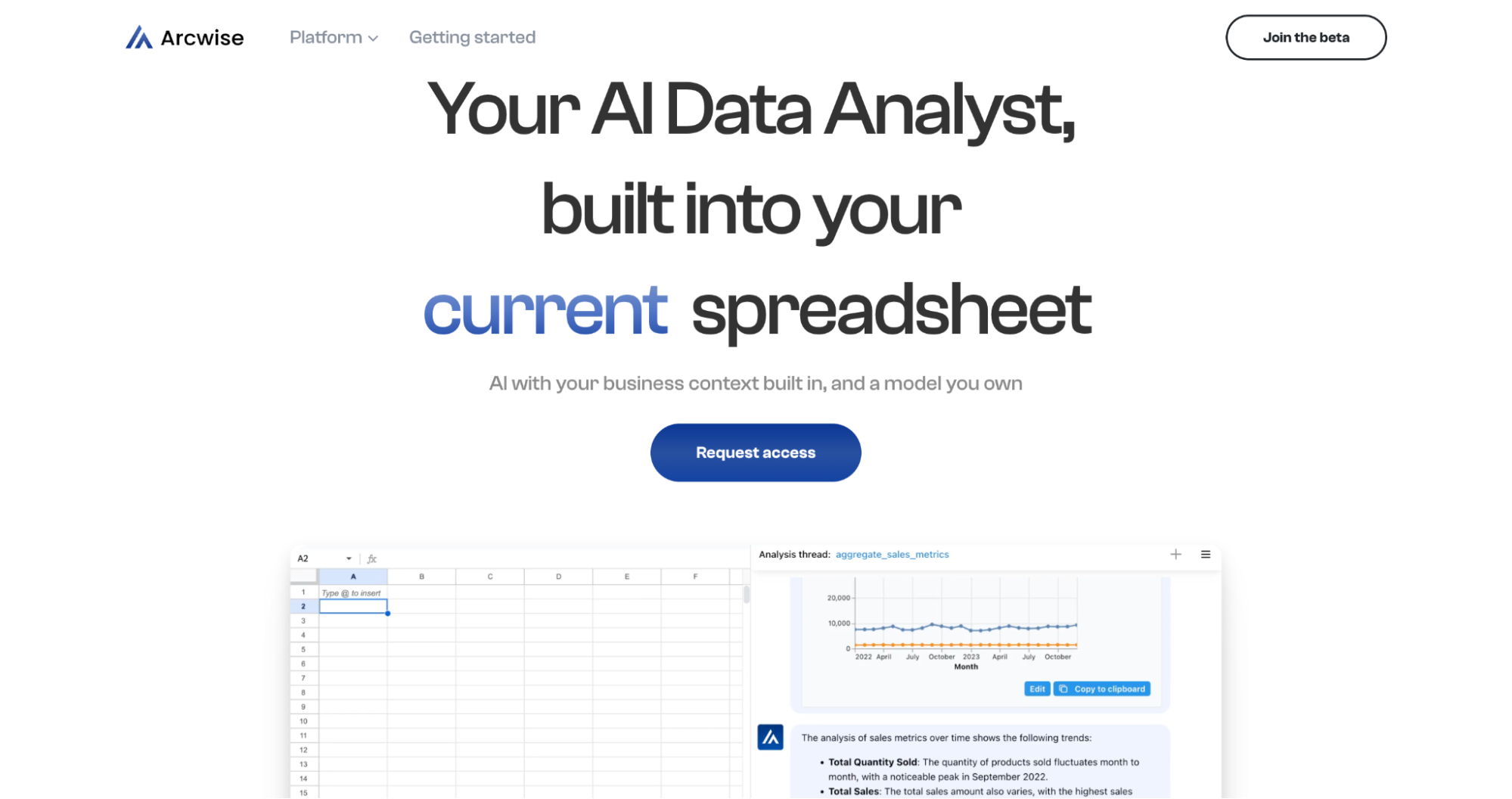
If you’re someone who loves working with interactive charts and wants more creative control over your data, Arcwise AI brings a unique approach that might just catch your eye. It’s a great AI-powered data analyst that is easily integrated into Google Sheets, and like many other AI tools for business, it’s designed to help you fine-tune models within real-world workflows.
Whether you’re analyzing, visualizing, or correcting your data, Arcwise AI gives you speed, depth, and control—all in your existing workflow.
Key features of Arcwise AI
- Works right inside your Google Sheets using AI without any switching tools or platforms.
- Search across dashboards and data stacks from one place by exploring all your data.
- You can ask questions and get real-time answers about stats, trends, and KPIs.
- It helps you instantly generate charts and visualizations to spot patterns and insights.
- Generate SQL queries, tables, and reports with simple questions with its auto SQL and report Builder.
Pricing of Arcwise AI
- Free plan – Arcwise AI is for free with limited access to basic features.
- Pro plan – Starts at USD 29.99/month with advanced features, perfect for users who need more power and functionality.
Formularizer

With Formularizer at your side, you can say goodbye to formula frustration. Because this tool automatically generates formulas for even the most complex data sets, saving you the time and mental energy that usually goes into formula creation.
Whether you’re working in Excel or Google Sheets, Formularizer helps you write, understand, and optimize formulas with just a few clicks, without any need to memorize syntax or struggle through errors.
Key features of Formularizer
- It turns your plain English prompts into accurate Excel or Sheets formulas in seconds.
- Paste any formula, and Formularizer will explain it in plain language.
- Create formulas for financial models, data cleaning, lookup functions, conditional formatting, and more.
- Improve and optimize your slow or inefficient formulas with AI-powered suggestions.
- Perfect for non-technical users like you and me who still need powerful data solutions.
Pricing of Formularizer
- Free plan – Starts at USD 0/month in which you get 50 free credits every month with access to fast, lightweight models like GPT-3.5.
- Pro plan – Starts at USD 63/year to enjoy unlimited credits, access to advanced models like GPT-4, and upcoming features like file uploads, data chat, chart drawing, and report creation.
Formula Bot

Next, let’s talk about Formula Bot. While Formularizer helps you with auto-formulas, Excel Formula Bot takes it a step further by answering your queries in natural language and transforming them into working formulas!
Whether you’re analyzing sales data, building dashboards, or creating complex Excel formulas, Formula Bot helps you connect, analyze, visualize, transform, and enrich your data, all from one powerful platform.
Key features of Formula Bot
- Easily link data sources like Excel, Google Sheets, Analytics, Search Console, and more to get insights in seconds.
- Ask questions like “What are the top-performing campaigns?” and get instant charts, tables, and summaries — just like chatting with a data expert.
- Clean, format, and transform your datasets using smart automations.
- You can also use AI for sentiment analysis, classification, keyword extraction, and other enhancements directly inside your spreadsheet.
- Automate tasks from text validation to script writing with the Regex, VBA, & Google Apps Script Generators.
- Quickly understand reviews, comments, and documents with the Sentiment Analyzer & PDF Summarizer.
Pricing of Formula Bot
- Free forever – USD 0/month which includes 10 chat messages/month, 15 enrichments/month, 5MB file upload limit, access to all data sources, and 2 uploaded files/chat.
- Unlimited – USD 15/month with everything in the Free plan plus unlimited chat messages, unlimited file uploads, 50MB file upload limit, 5 uploaded files/chat, and unlimited PDF to Excel conversions.
- Unlimited Plus – USD 25/month with everything in Unlimited, plus 5,000 enrichments/month, 100MB file upload limit, 20 uploaded files/chat, and use on multiple devices.
- Unlimited Ultra – USD 35/month with everything in Unlimited Plus, plus 20,000 enrichments/month, 150MB file upload limit.
Formula Dog
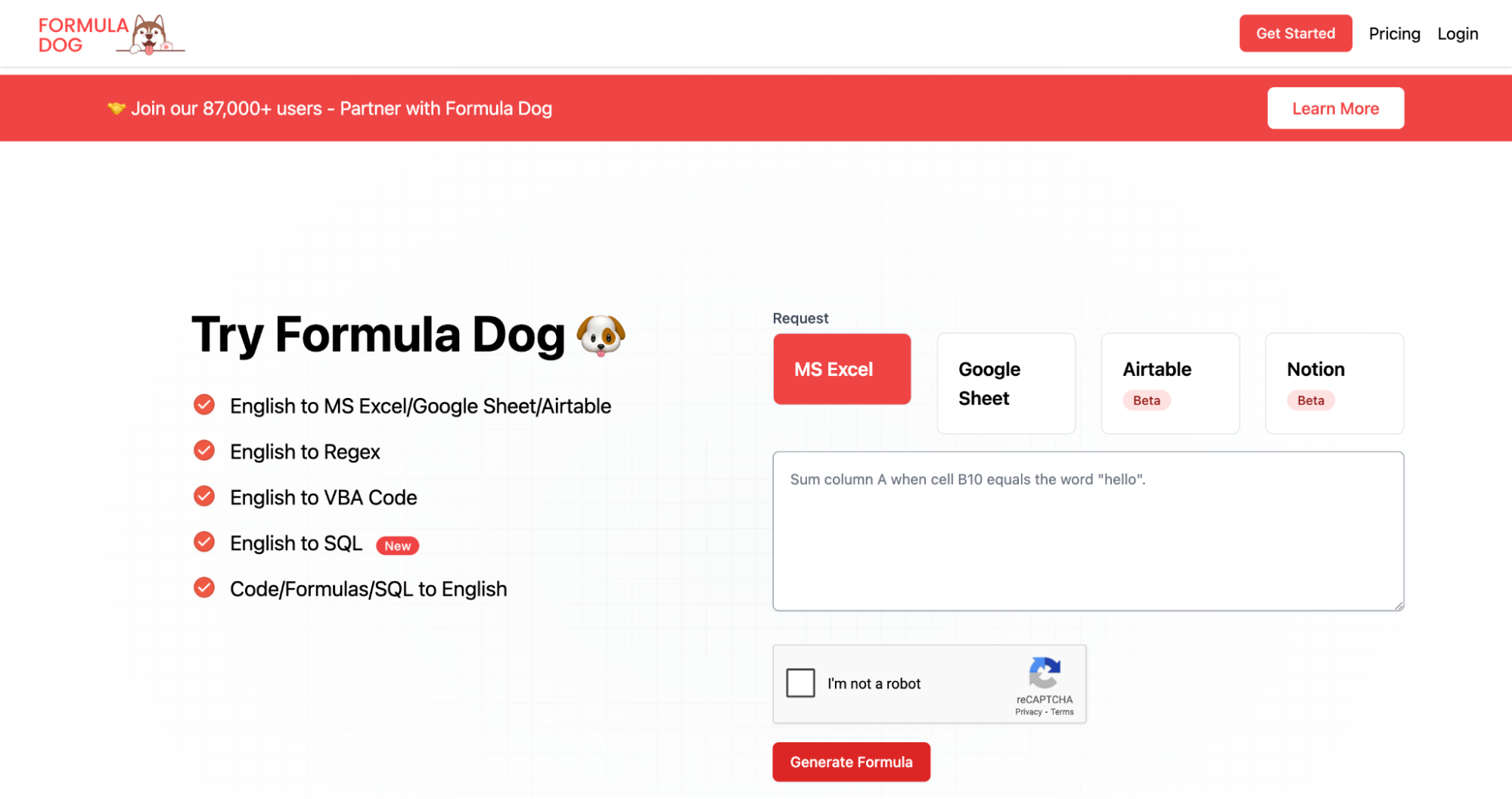
Transform your text instructions into Excel formulas or VBA Code in seconds with the help of AI.
For those who like to keep their formulas and data tight, Formula Dog offers a unique, fun way to troubleshoot and debug complex formulas that aren’t behaving. Whether you’re struggling with Excel formulas, VBA code, or SQL queries, Formula Dog takes the hassle out of your spreadsheet woes by turning your thoughts into powerful, accurate formulas in no time. It’s the dog you want in your tech toolbox for smarter, faster solutions!
Key features of Formula Dog
- Convert natural language descriptions into Excel formulas with English to Excel Formula.
- Easily generate Regex expressions by describing your needs in plain English with English to Regex.
- If you don’t understand a formula or code, Formula Dog will explain it in simple terms through Formula/Code/SQL Explanation.
- Instantly turn any spreadsheet problem into a workable formula or code with Quick Formula Troubleshooting, saving you time and effort.
- Focus on the “what” rather than the “how” with Simplified Workflow—just describe your issue, and let Formula Dog handle the technical details.
Pricing of Formula Dog
- Monthly – USD 1.75/month which includes formula generation, VBA, SQL, Regex, and 1000 requests/month.
- Yearly – USD 17.45/year where you get the same features as in monthly plan but with a discounted yearly plan.
- One-Time – USD 23.41 with lifetime access to all features and 1000 requests/month.
Finally, if you’re looking for AI that can help you automate data-driven workflows directly within Excel, PromptLoop will be the perfect tool to wrap up your AI-powered Excel journey.
PromptLoop

PromptLoop is the all-in-one tool that combines the best of Excel with cutting-edge AI. It lets you automate workflows, create dynamic reports, and integrate advanced models right inside your Excel sheets. Perfect for anyone who needs automation without leaving their favorite tool.
Whether you’re a sales team looking to enrich prospect data, a marketing department scaling outreach efforts, or a researcher diving deep into web data, PromptLoop makes it faster, simpler, and more accurate. Forget about manual data scraping or hiring expensive agencies – PromptLoop empowers you to achieve better results in a fraction of the time.
Key features of PromptLoop
- Streamline complex research flows by running them on any list—whether you’re gathering B2B data, validating sales leads, or categorizing entities, PromptLoop does it all.
- Set up and start running workflows in no time and pull live data from thousands of websites in minutes using prebuilt templates.
- Connect PromptLoop directly with tools like HubSpot, Salesforce, and Google Sheets to enhance your CRM and data workflows.
- Utilize AI models that offer market-leading accuracy to enrich your datasets—ideal for sales, marketing, and research teams.
- Whether it’s 100 rows or 10,000, PromptLoop’s cloud infrastructure allows you to scale effortlessly without compromising on speed or accuracy.
Pricing of PromptLoop
- Free – USD 0/month with limited credits for AI tasks (web research, text analysis), access to Google Sheets™ & Excel™ plugins, and guides to get started.
- Growth – Starts from USD 750/month with unlimited access to base models, dedicated email support, and up to 25k task credits, plus API access and data import/export.
- Company – Company has custom pricing which is suitable for larger teams, including all Growth features, volume discounts, CRM/data integrations, enhanced security, white-glove support, and more.
Supercharge your spreadsheet game with best Excel AI tools
If you’re still spending hours tweaking spreadsheets and managing data manually, it’s time to step into the future. These AI tools are designed to make your Excel work easier, faster, and smarter. Why struggle when you can let AI do the heavy lifting for you?
These tools are next-level, and trust me, they’ll blow your mind with how much they can handle. Take the shortcut, skip the hassle, and let these tools take over.
Go ahead, give them a try, and prepare to be amazed!
For more such AI-powered tools? Check out Unrola—AI App Store. ✨
Frequently Asked Questions
What are Excel AI tools, and how do they work?
Excel AI tools use artificial intelligence to automate tasks like formula generation, data analysis, and data cleaning. These tools help you create complex formulas, organize data, and generate insights quickly, saving you time and effort.
Can I use these tools with Google Sheets?
Yes! Many of these Excel AI tools are also compatible with Google Sheets, allowing you to automate tasks and streamline your workflow across different spreadsheet platforms.
Do I need advanced technical skills to use these tools?
Not at all! These AI-powered tools are designed to be user-friendly. Whether you’re a beginner or an expert, you’ll find them intuitive and easy to use without needing any programming skills.
Are these tools secure to use with my data?
Yes, the tools follow industry-standard security protocols to protect your data. Always ensure you’re using trusted AI tools and platforms to maintain the privacy and integrity of your information.
Are these Excel AI tools free to use?
Many tools offer a free plan with limited features, and some provide premium options for more advanced capabilities. Check the pricing details of each tool to choose the best option for your needs.
